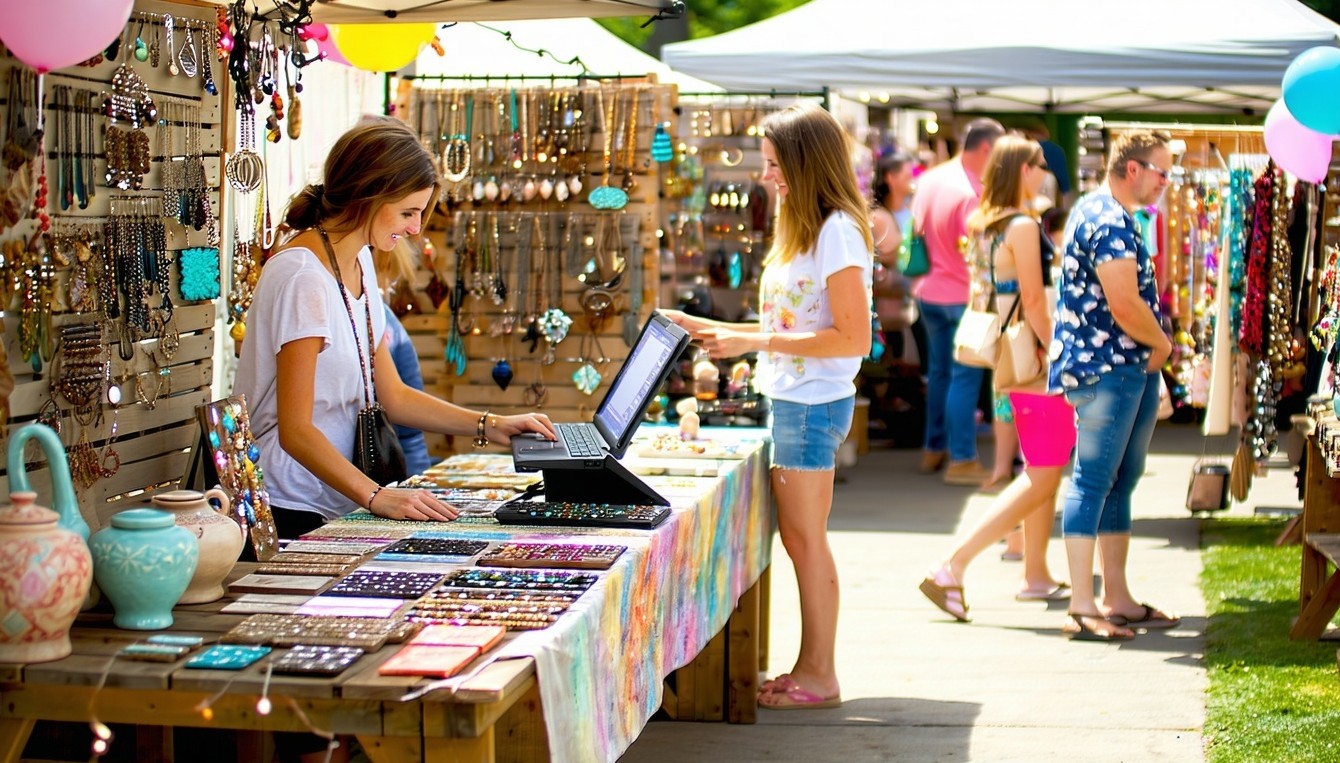
Running a booth at an arts and crafts fair isn’t just about creativity — it’s about organization, presentation, and connection. Today’s digital tools can transform a booth from a simple display into a small-scale retail experience. Whether you’re managing inventory, designing signage, or engaging customers post-event, these digital helpers ensure you work smarter, not harder. Below are some essential categories of tools — each with unique tips and examples to help you thrive at your next fair.
1. Visual Planning Tools: Design Your Space Like a Pro
First impressions matter, and how your booth looks can be the difference between casual browsers and paying customers. Digital layout tools like Planner 5D let you visualize your space before you ever step on-site. Try creating a digital mock-up of your booth with shelving, lighting, and signage placements. This ensures your best work sits at eye level.
Tip: Export your layout to your phone or tablet for a quick reference during setup. That way, you won’t waste precious time rearranging displays on the spot.
2. Mobile Point-of-Sale (POS) Apps: Make Every Sale Seamless
Cash-only booths are a thing of the past. Mobile payment systems like Square, Shopify POS, and SumUp make it easy to accept credit cards, Apple Pay, and Google Pay from your phone or tablet. These tools also help track your top-selling items and generate digital receipts.
Tip: Use the built-in analytics to note which products sell fastest during peak hours — valuable insights when planning future events. Square even allows offline payments, perfect for venues with spotty Wi-Fi.
3. Inventory & Pricing Management: Keep Control of Your Stock
Between sales, custom orders, and last-minute restocks, inventory can quickly spiral out of control. Tools like Craftybase (built specifically for makers) or Sortly allow you to track raw materials, finished goods, and pricing across multiple events. You can even calculate cost-per-item, helping you price fairly while maintaining profit margins.
Tip: Create an “event kit” inventory in your app before the fair. You’ll know exactly what you packed — and what you sold — when it’s time to restock or file sales tax reports later.
4. Digital Branding & Signage Tools: Stop Traffic with Visuals
Your booth’s signage is your silent salesperson. Instead of relying on handwritten price tags or homemade posters, use tools to create professional, branded materials. You can design everything from banners and price labels to digital flyers that customers can scan via QR code.
Tip: Keep your brand colors and fonts consistent across all visuals. Adobe Express’s templates make this easy — and you can even download your designs for print or use them in social media posts to drive pre-fair buzz.
5. Social Media Scheduling: Keep Buzz Going While You Sell
When you’re busy engaging customers, posting in real time isn’t practical. That’s where scheduling platforms like Later, Buffer, and Meta Business Suite come in. You can queue posts and Stories in advance to showcase booth previews, customer photos, or behind-the-scenes content during the fair.
Tip: Include your booth number and fair hashtag in every scheduled post. This helps attendees find you on the event map — and encourages them to share your work online while the fair’s energy is high.
6. QR Codes & Email Capture: Extend the Conversation
Not everyone who visits your booth is ready to buy on the spot. Use a QR generator like Beaconstac or QR Code Monkey to link visitors directly to your online store or newsletter signup. Pair this with an email marketing platform such as MailerLite or Flodesk to nurture post-fair sales.
Tip: Offer a small incentive — like a discount code or free mini printable — in exchange for email signups. You’ll grow your audience while maintaining engagement beyond the event.
💻 FAQ: Digital Tools for a More Polished Booth Experience
Once your booth is up and running, these five common questions often pop up — especially for artists and crafters looking to streamline their digital workflow.
How can I make my online product photos look professional?
Cross promotion online helps you spread the word about what’s for sale in your booth. To that end, a consistent background helps your products pop. Try using Adobe Express’s background creator to design cohesive, branded photos that complement your products. You can even match tones to your logo for visual harmony.
What’s the best app for creating on-the-go signage during a fair?
Apps like Adobe Express mobile let you tweak signage from your phone. Whether you’ve sold out of an item or want to update a promotion mid-fair, quick edits keep your messaging current.
How can I display product prices digitally?
Use small tablets or e-ink displays connected to your inventory app (like Craftybase) to auto-update prices or mark “Sold Out” in real time. It looks sleek and saves time on manual labeling.
What’s the easiest way to collect payments and track customer data simultaneously?
Shopify POS integrates sales with customer profiles. Every purchase adds to your contact list, enabling personalized follow-up marketing. It’s ideal for crafters who sell both online and in person.
Vendors can use an AI presentation maker to design visual layouts for craft fair booths and promotional materials.
How do I manage photos and videos from the fair efficiently?
Use Google Photos or Notion to organize images by product, date, and event. This makes it easy to repurpose visuals for social posts, online listings, or next year’s booth portfolio.
Your creativity doesn’t stop at your art — it extends into how you design, market, and manage your booth. By blending artistry with digital efficiency, you can transform a single event into an ongoing source of income and brand recognition. Whether you’re an emerging maker or a seasoned vendor, these tools turn the chaos of a busy fair into an organized, data-driven celebration of your craft.